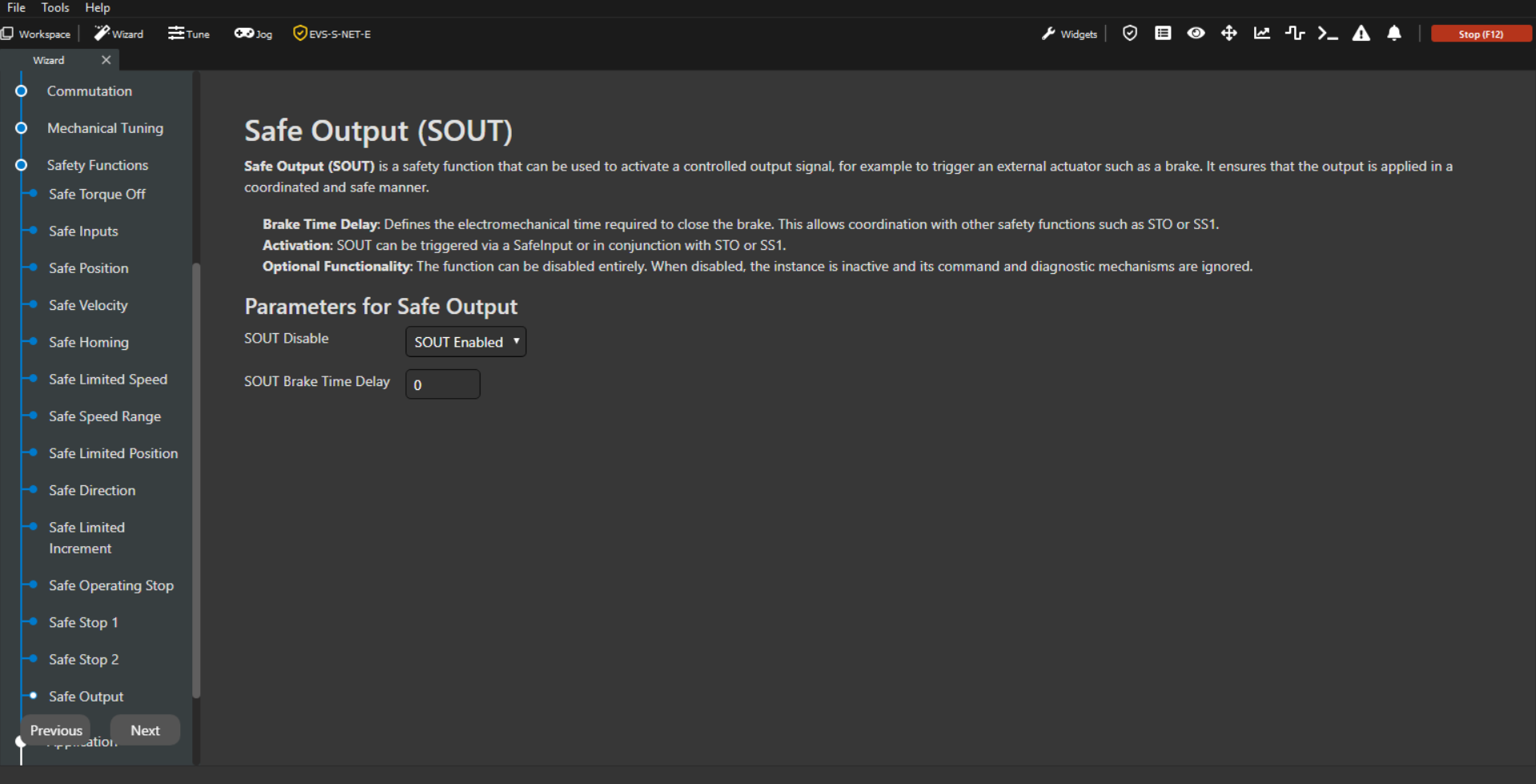
For each activated safety function, there is a corresponding page in the wizard. These safety function pages contain a description and a list of safety parameters used to configure the safety function.
If a safety function has more than one instance, all active instances should be configured on the same page, in separate tabs, one tab for each instance.
All the safety function pages follow the next structure:
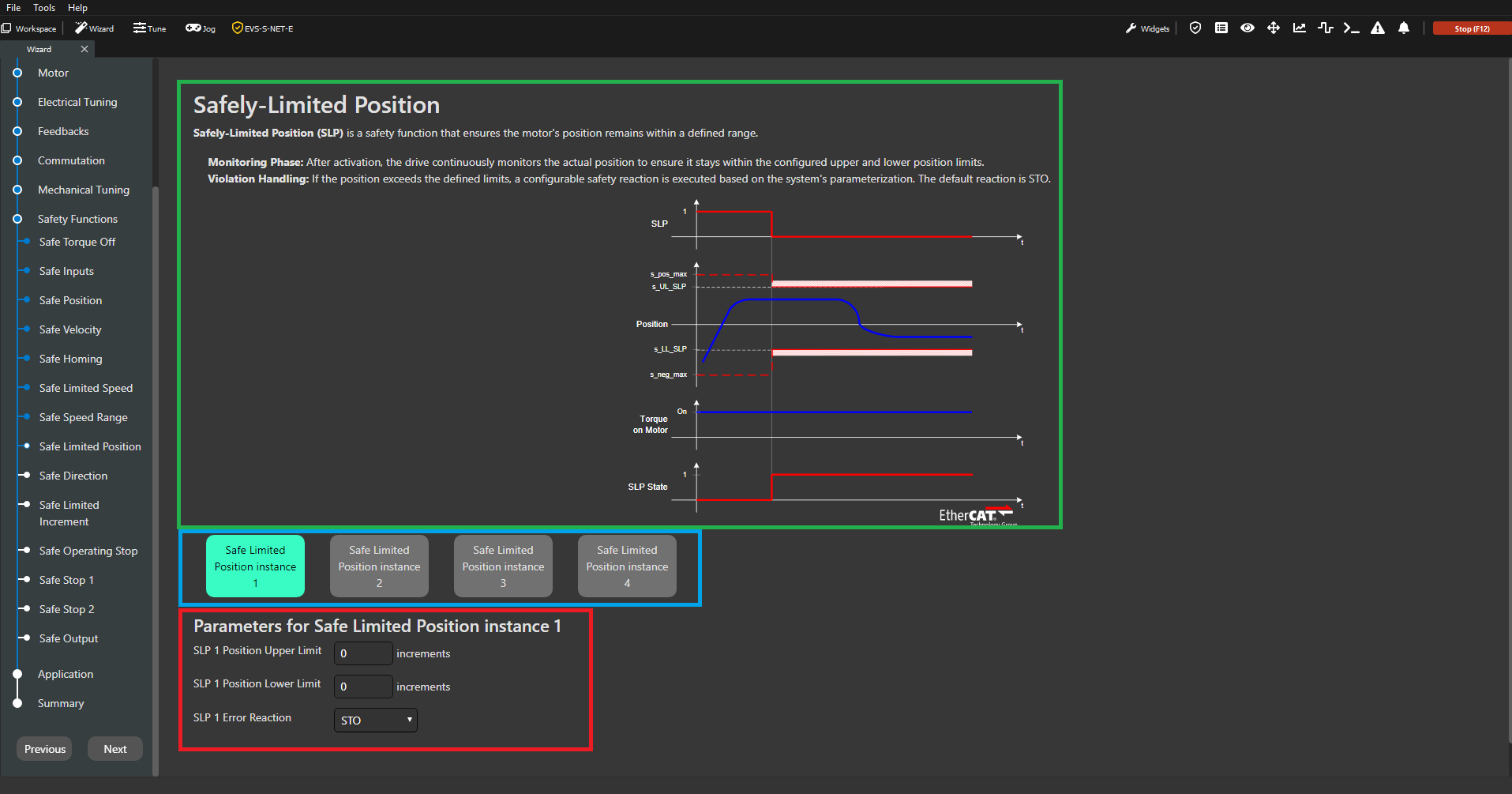
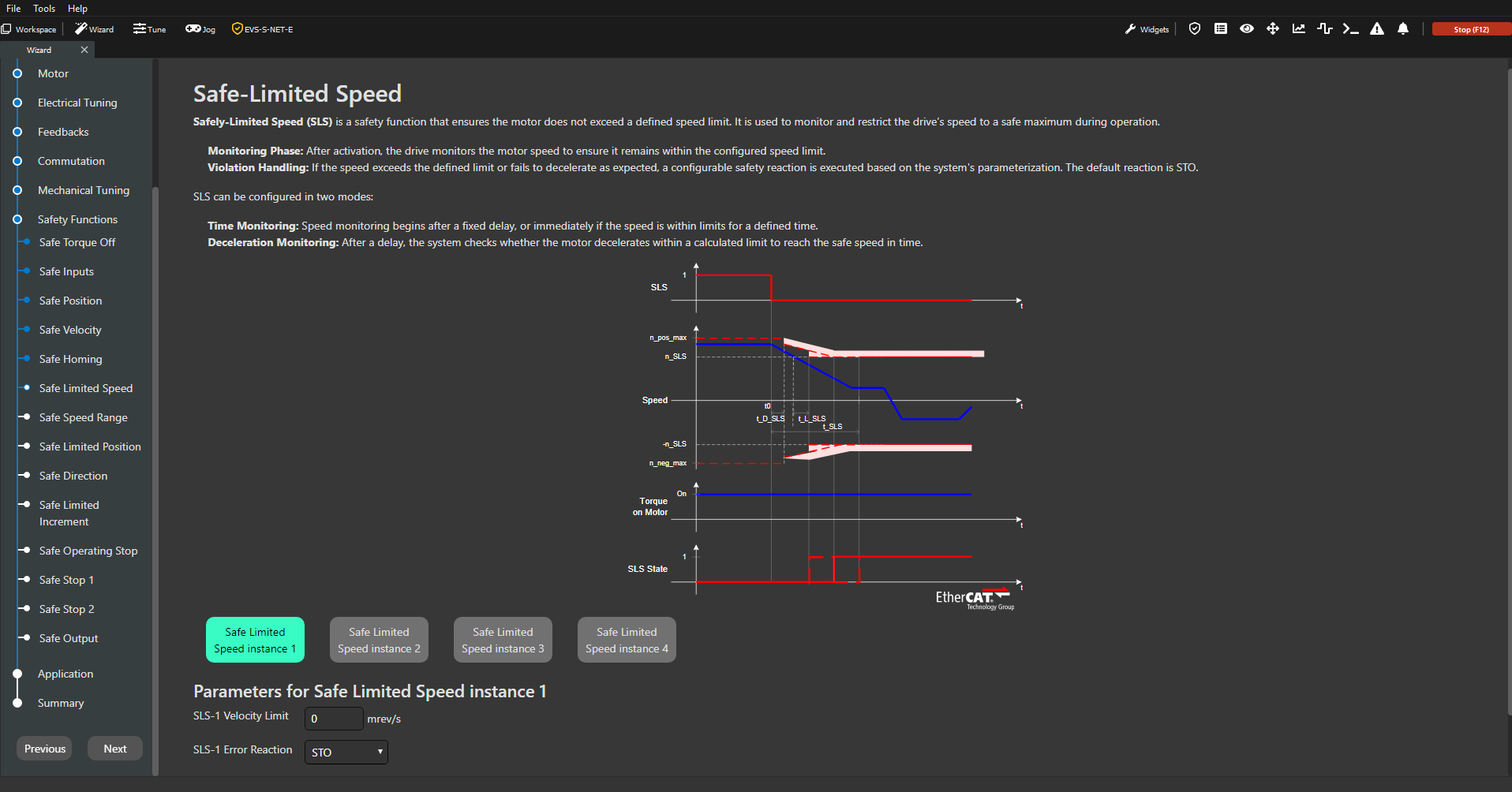
In green: Title and safety function description.
In blue: Buttons to select the different safety function instances. If only one instance is available the buttons are not shown.
In red: Instance title and instance safety parameters.
These are the different safety function pages:
Not all drives have all safety functions available.
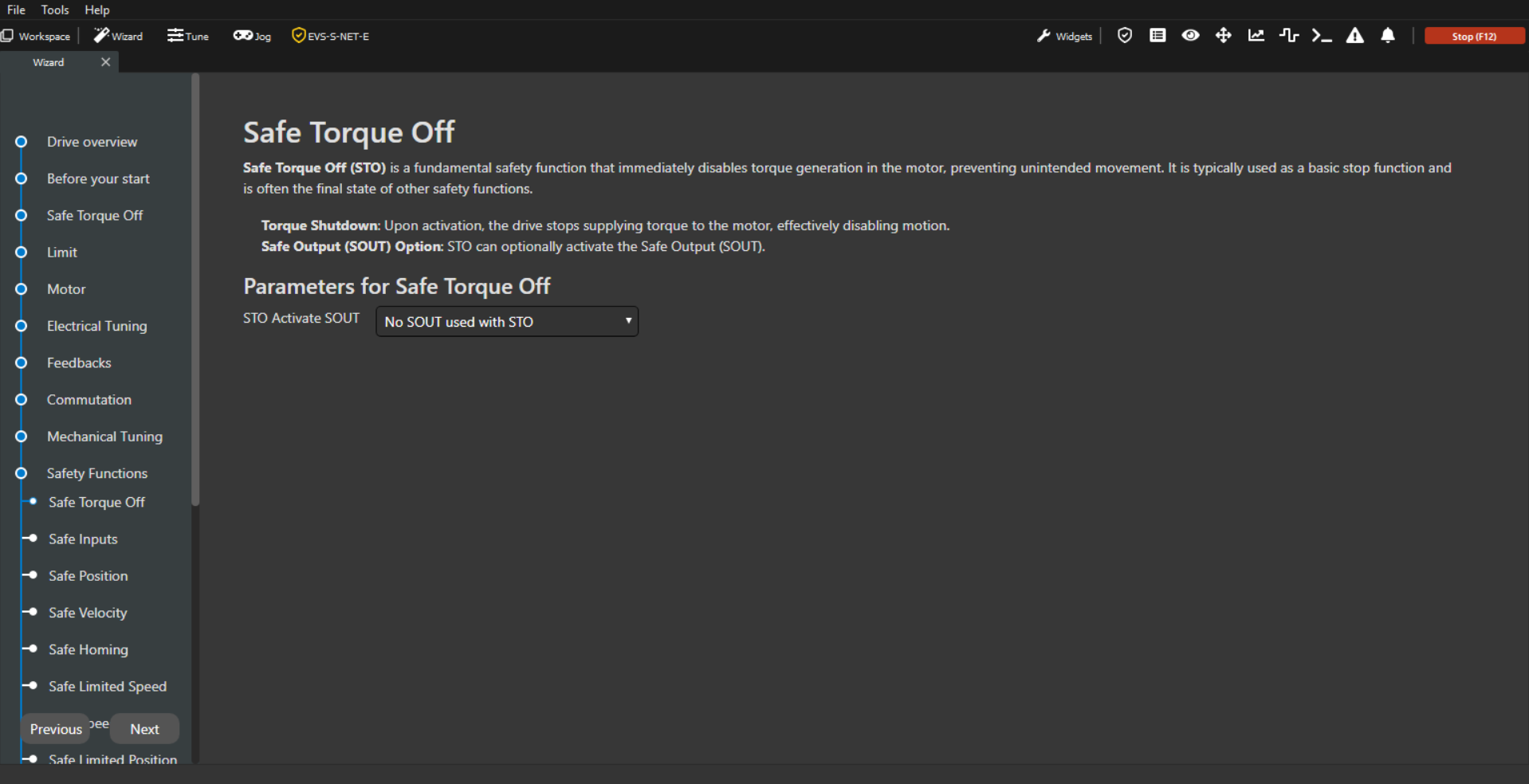
Safe Torque Off
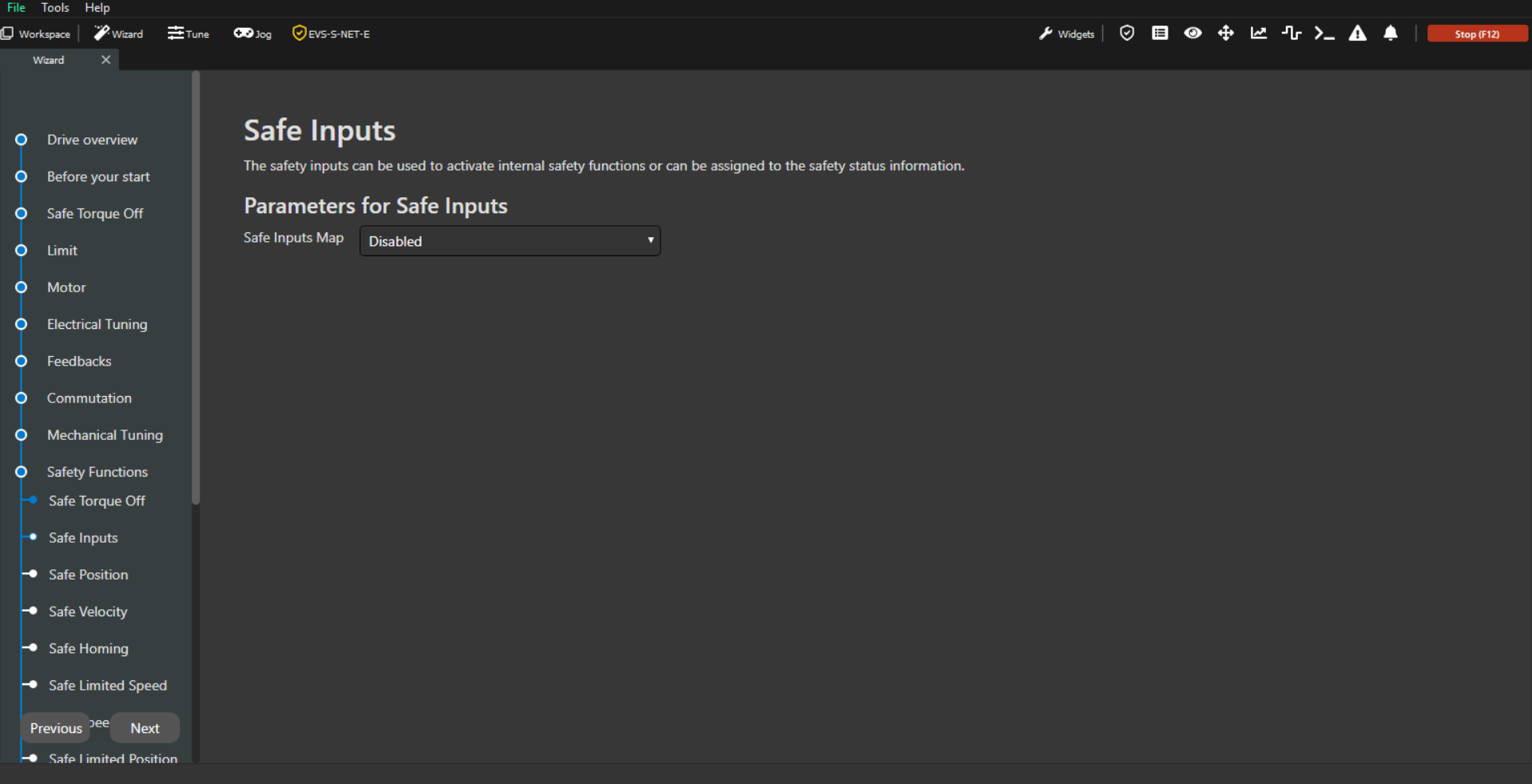
Safe Inputs
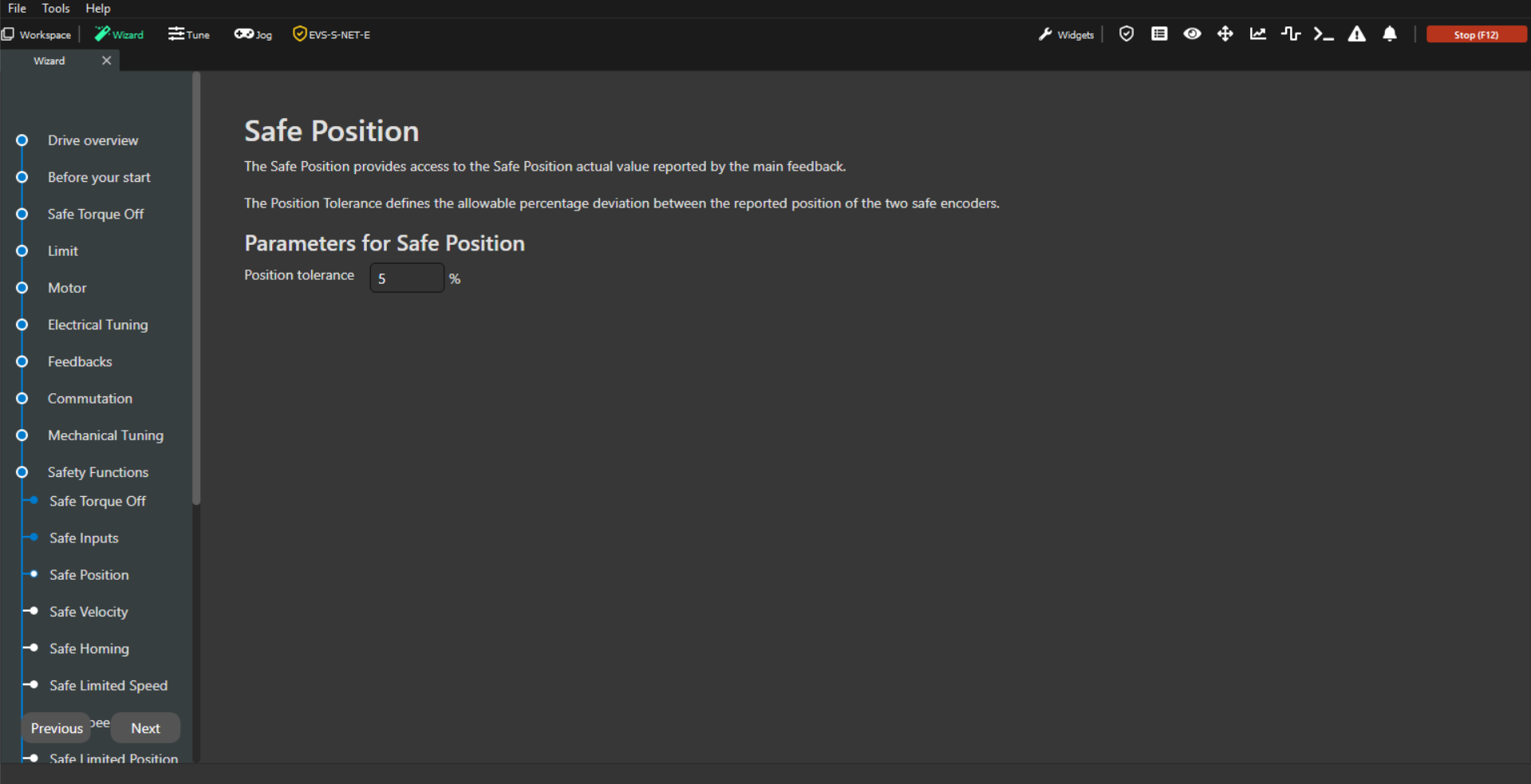
Safe Position
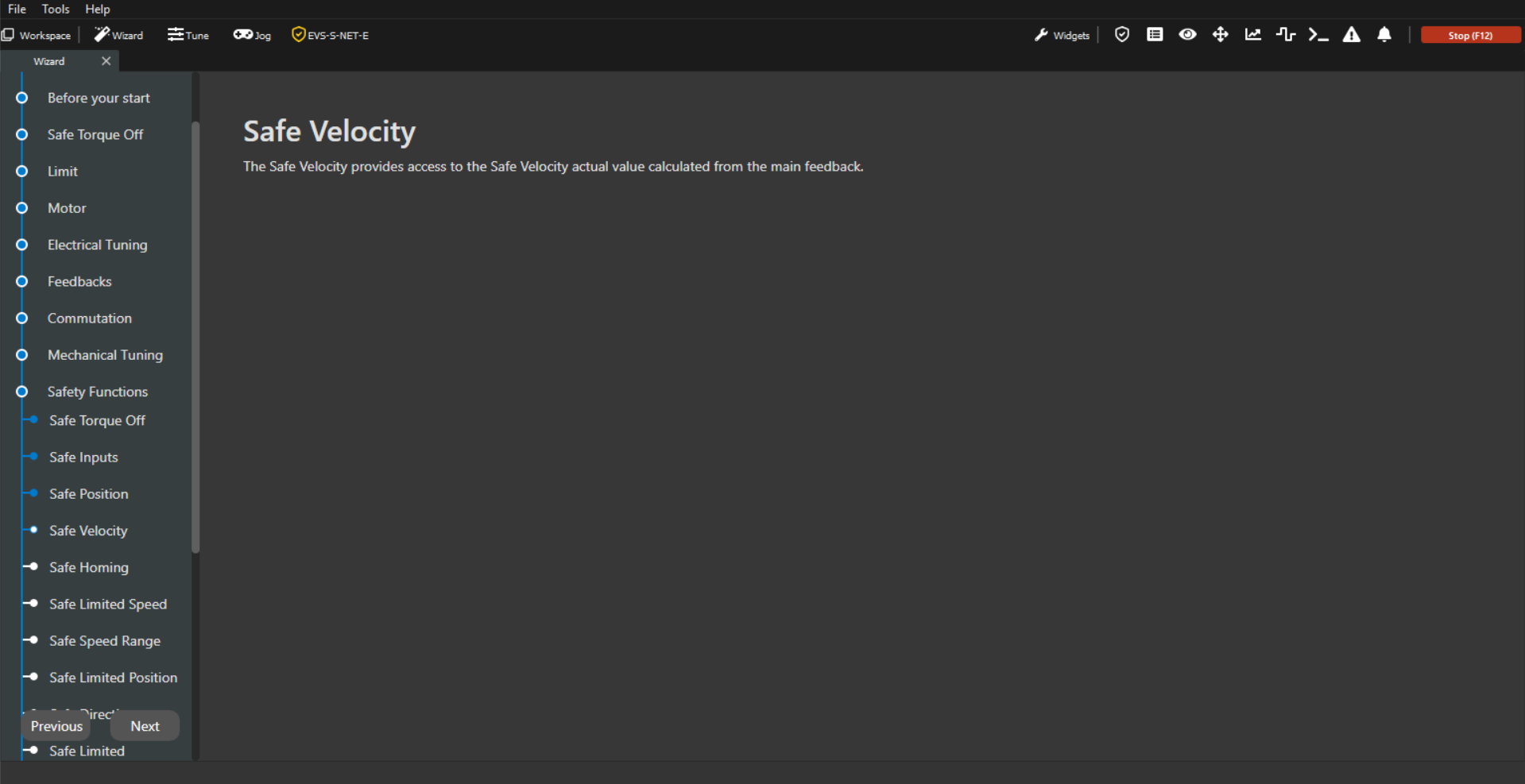
Safe Velocity
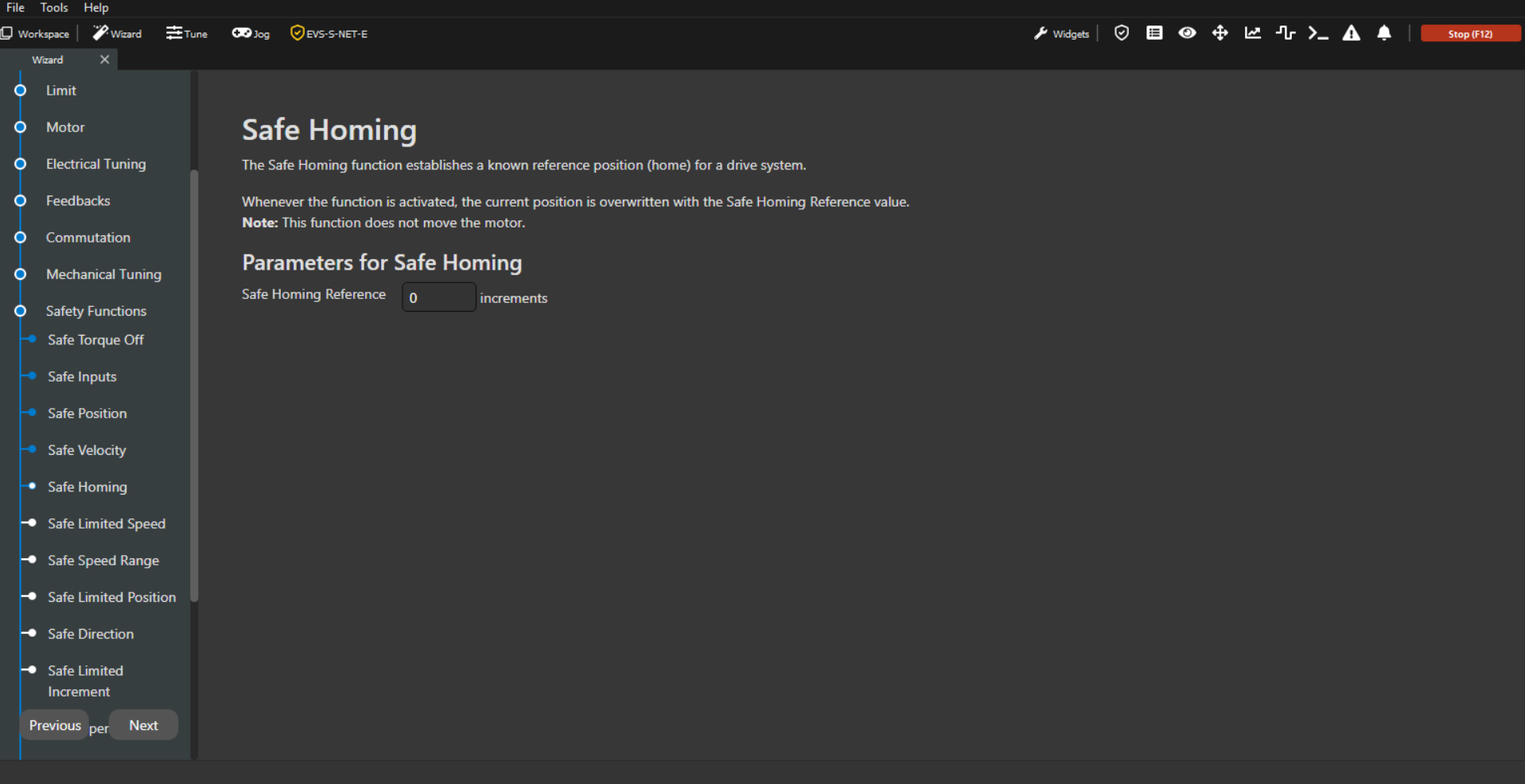
Safe Homing
Safe-Limited Speed
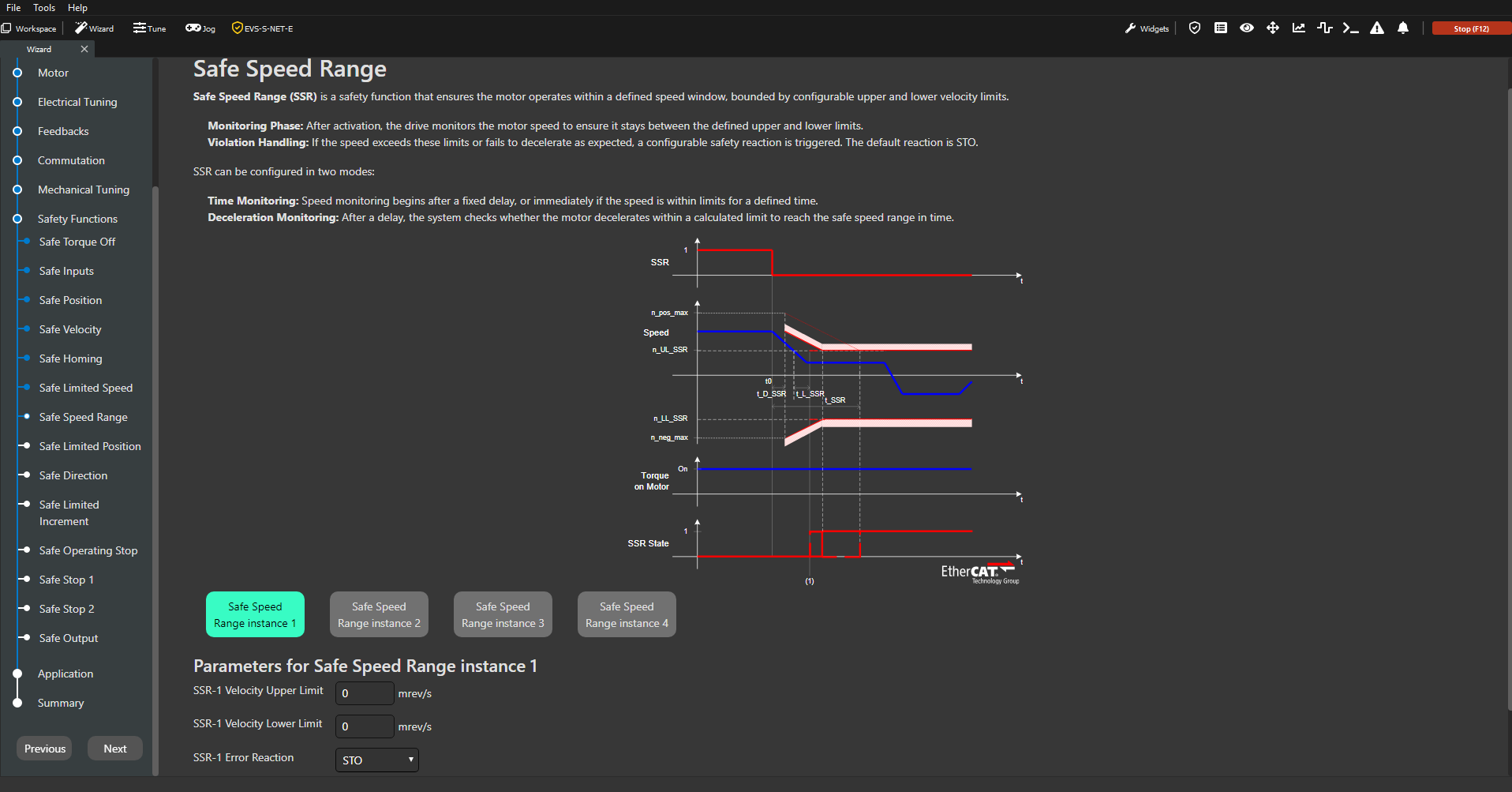
Safe Speed Range
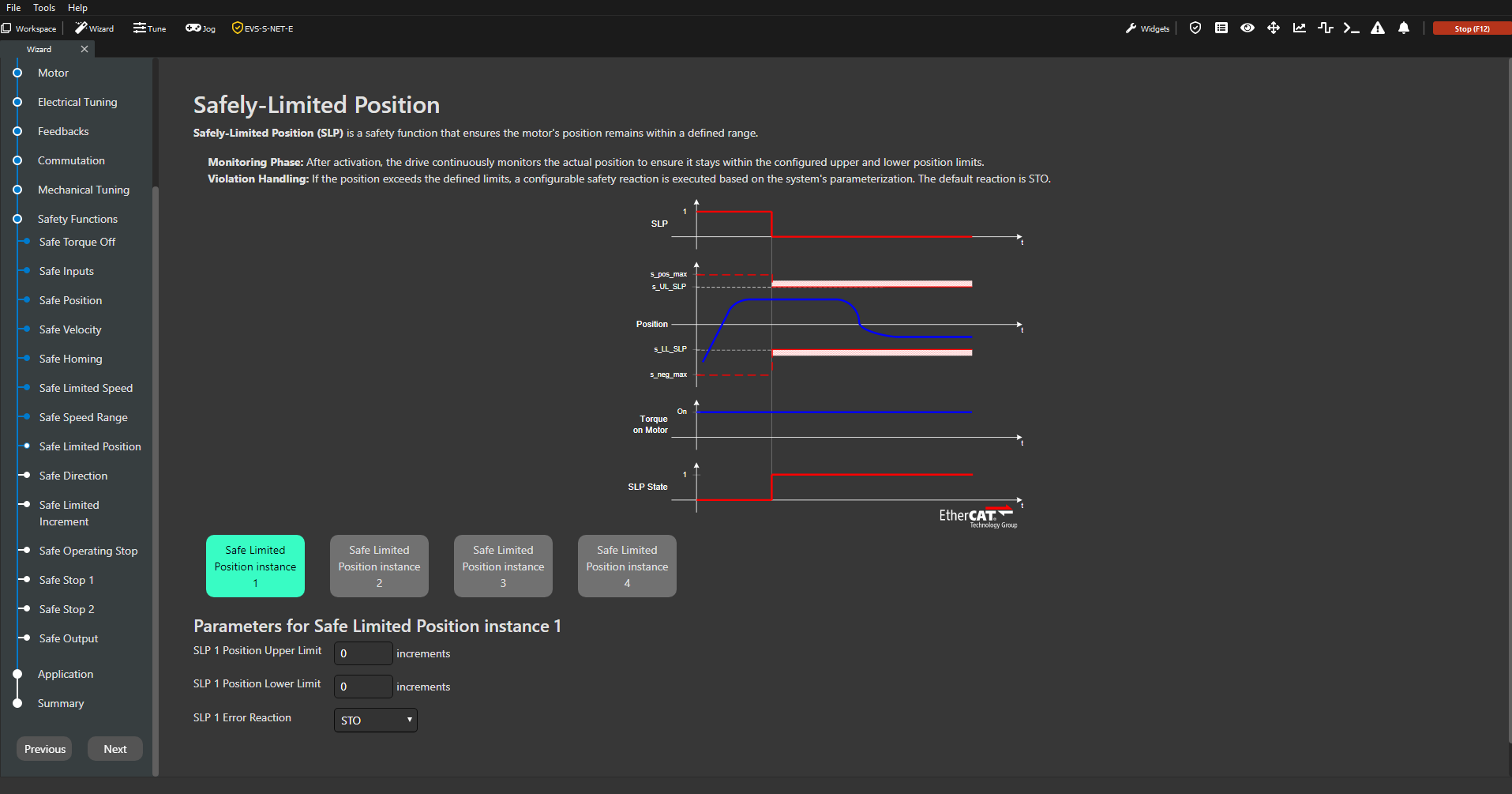
Safely-Limited Position
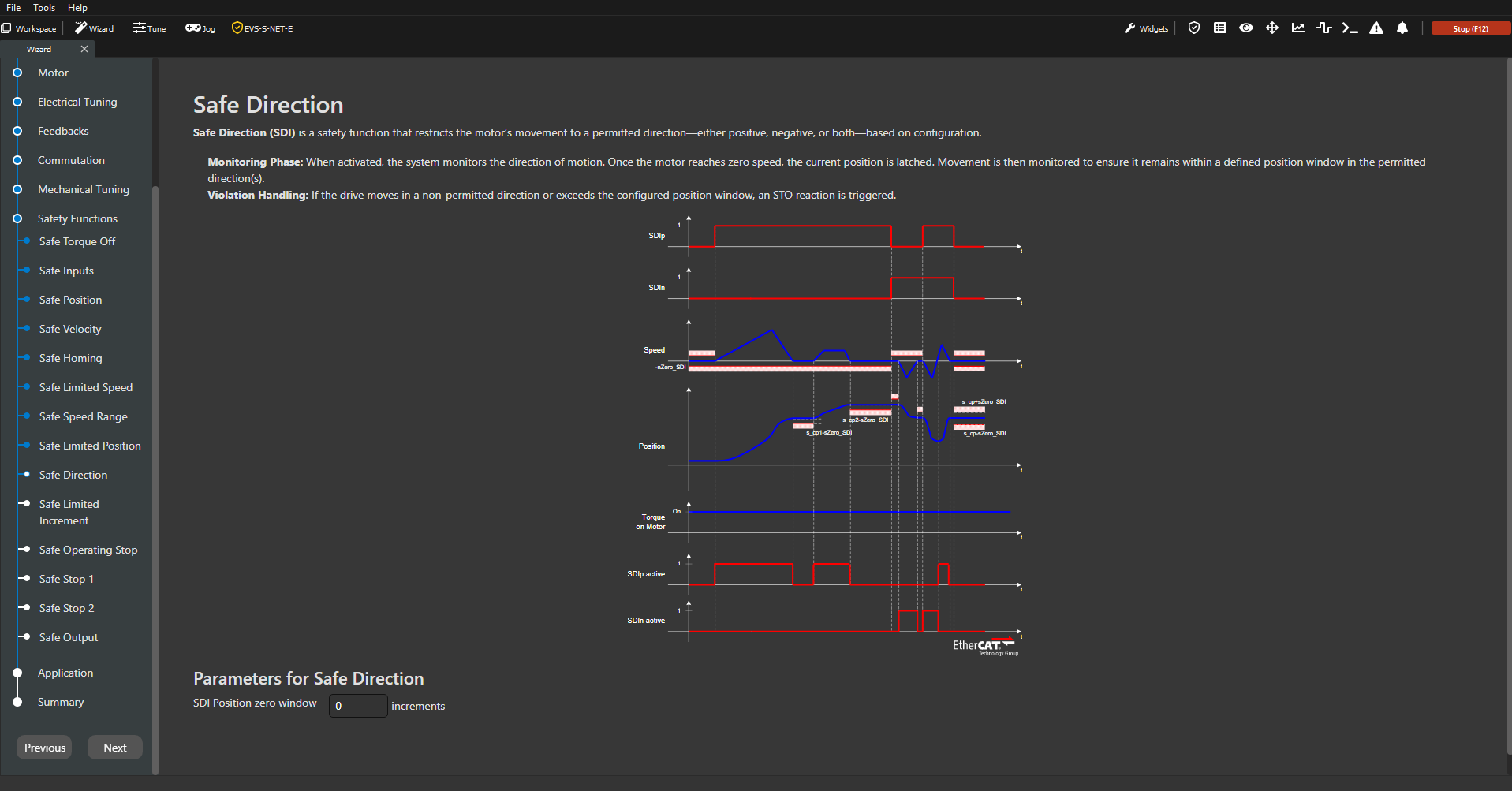
Safe Direction
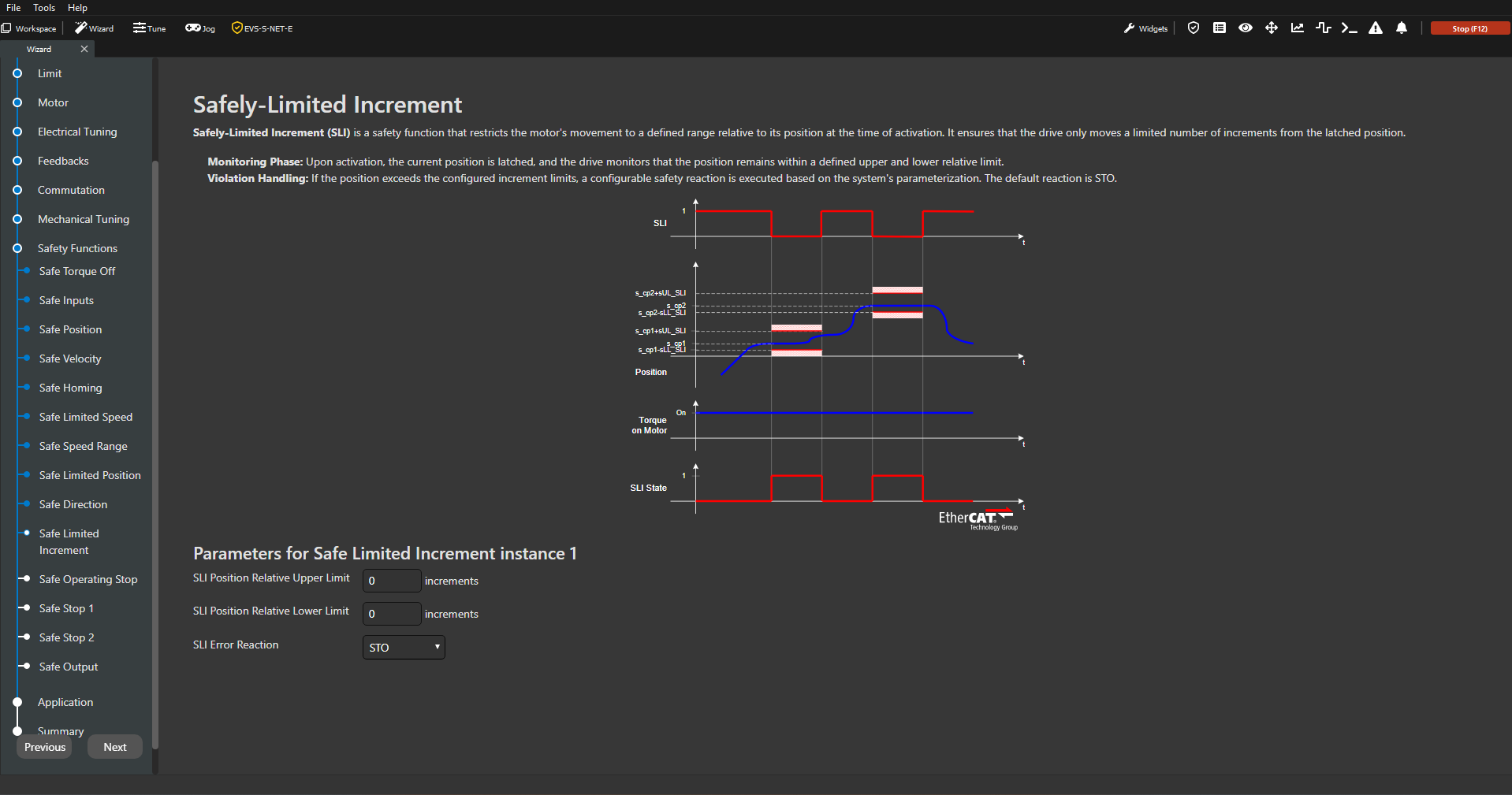
Safely-Limited Increment
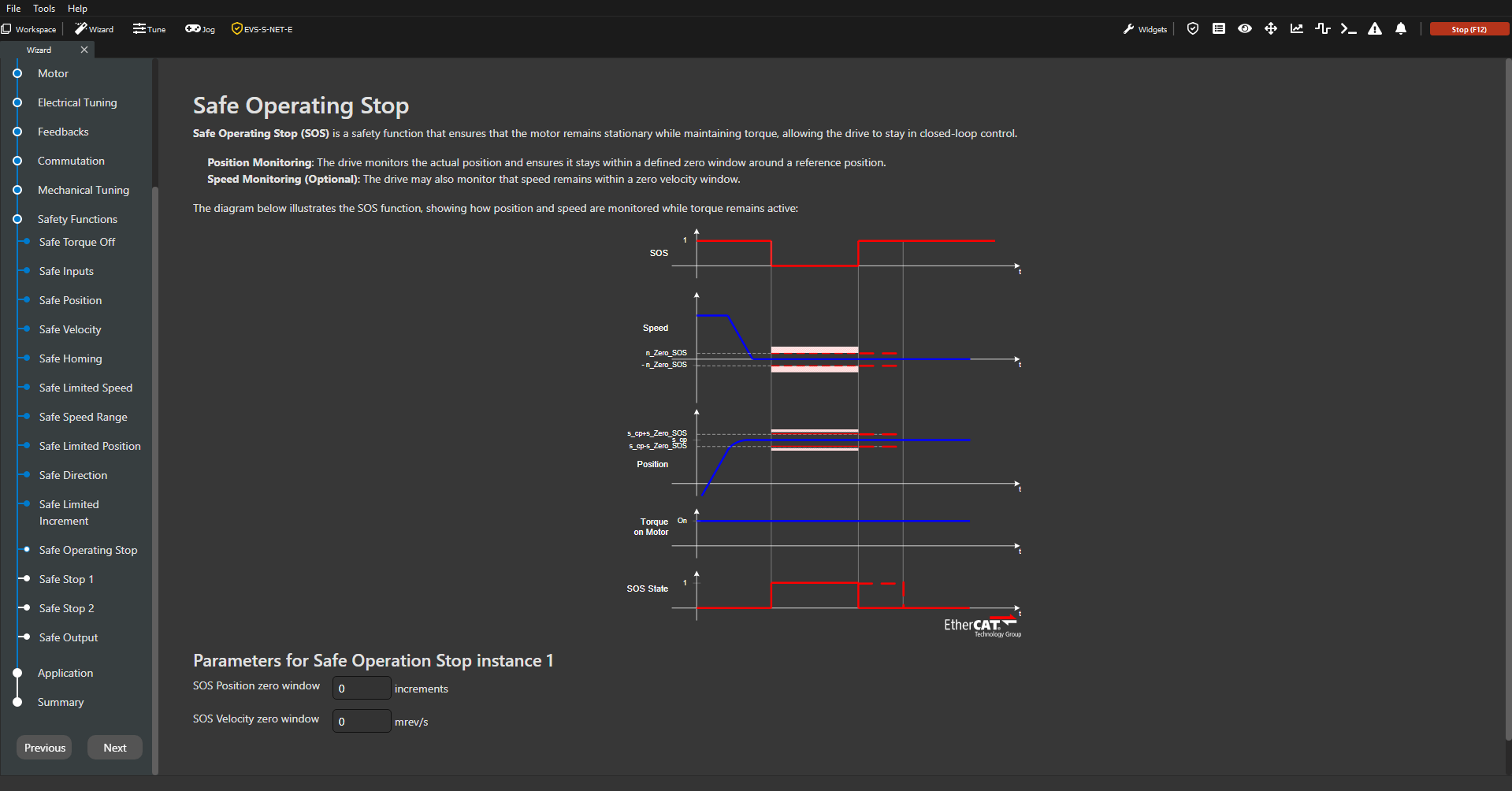
Safe Operating Stop
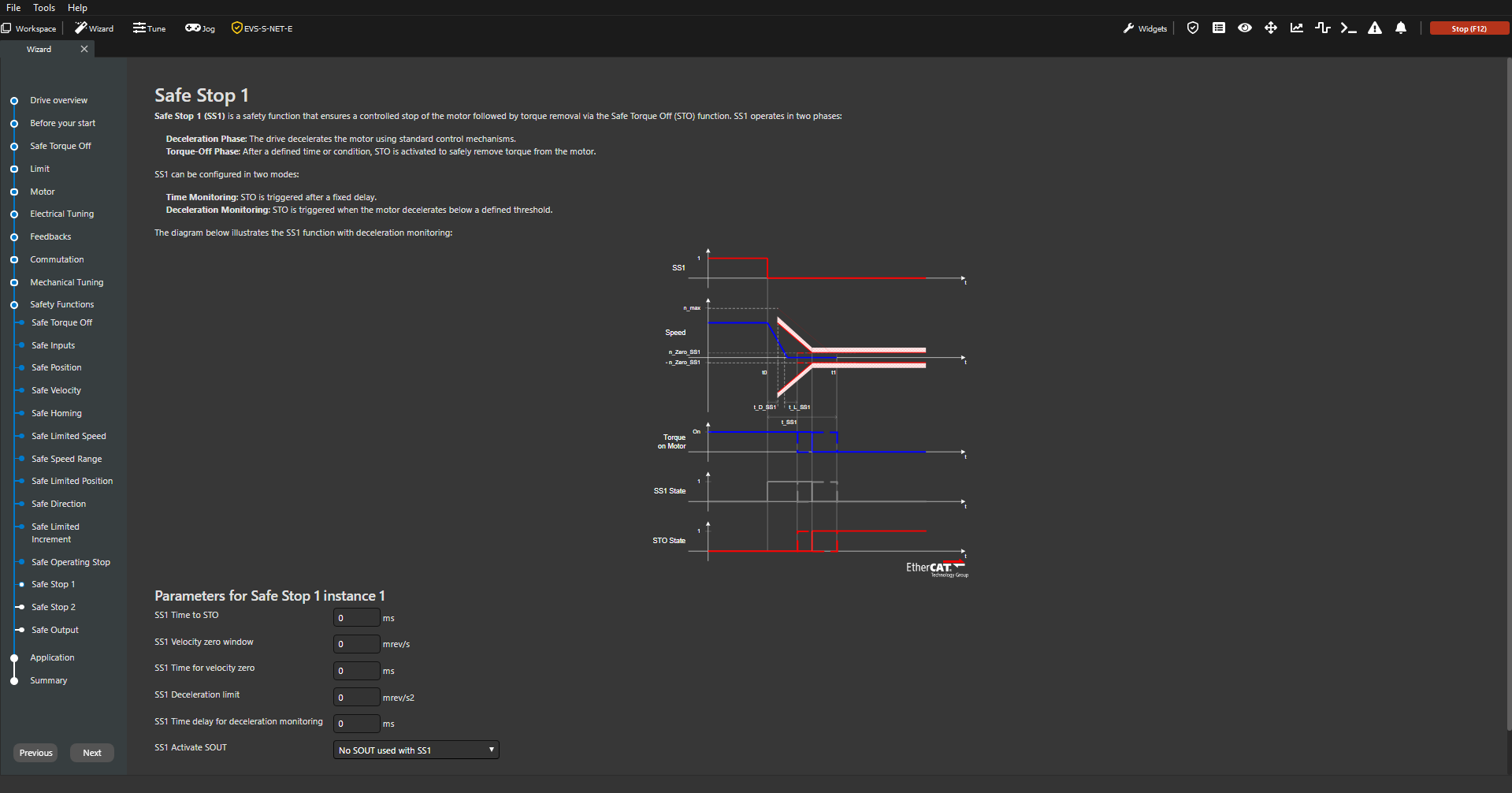
Safe Stop 1
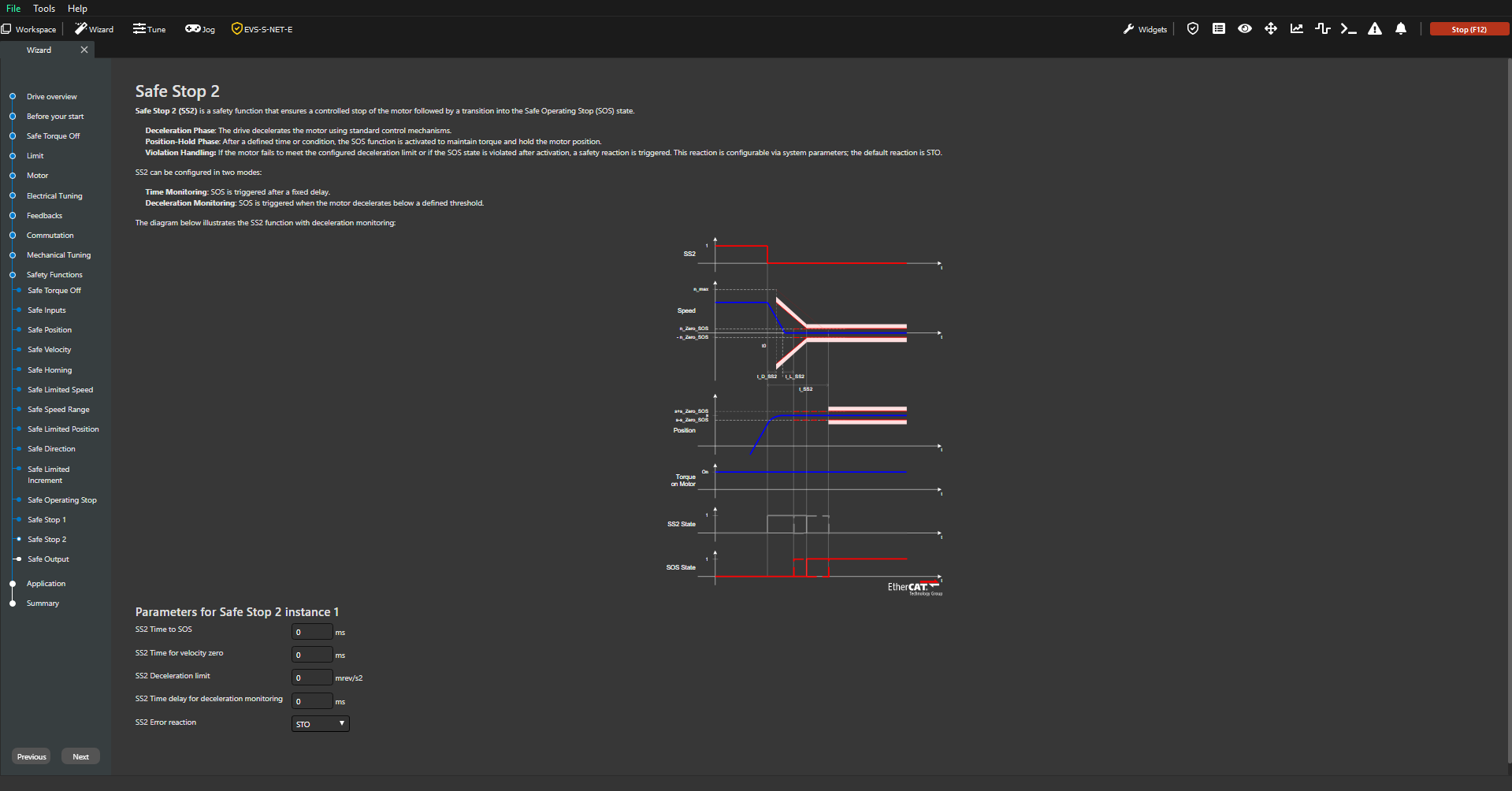
Safe Stop 2
Safe Output